
Most people buy crypto on an exchange and leave it there. It feels easy, and nothing seems wrong — until the exchange freezes withdrawals, gets hacked, or shuts down. At that point, you discover a hard truth: if you don’t control your private keys, you don’t control your crypto.
Self-custody means holding your own crypto, in a wallet you control, with keys only you can access. This guide walks you through exactly what that means, why it matters, and how to make the switch safely.
Key Takeaways
- Not your keys, not your coins: Leaving crypto on an exchange means the exchange controls it, not you.
- Self-custody = owning your private keys: A private key is the password that proves you own your crypto. If you hold it, you’re in control.
- Two main wallet types: Hot wallets (software, internet-connected) and cold wallets (hardware, offline) serve different needs.
- Your seed phrase is your backup: Lose it, and you lose access to your crypto forever. Protect it like cash in a safe.
- Moving off an exchange takes minutes: The process is simple once you understand the steps.
- Self-custody has real risks too: You are fully responsible. There’s no customer support and no recovery if you lose your keys.
What Does Crypto Self-Custody Actually Mean?
Quick Answer: Crypto self-custody means you hold your own private keys in a wallet you control. No exchange or third party can access, freeze, or lose your funds. You are your own bank, with full ownership and full responsibility.
Every crypto wallet has two components: a public key and a private key. Think of your public key like a bank account number — you can share it with anyone to receive funds. Your private key is like the PIN and password combined. It’s what proves ownership and authorizes transactions.
When you leave crypto on an exchange like Coinbase or Binance, the exchange holds the private keys. You see a balance in your account, but you’re essentially holding an IOU. The exchange is the actual owner of the crypto on the blockchain.
Self-custody flips that arrangement. You generate a wallet, receive your private keys, and now only you can move those funds. The blockchain recognizes your key as the authority. No intermediary is involved.
What Is a Private Key in Simple Terms?
A private key is a long string of random numbers and letters — something like a 256-bit code. It’s generated when you create a wallet. Most wallets present this as a seed phrase (also called a recovery phrase or mnemonic phrase): 12 or 24 random words in a specific order.
Those words encode your private key in a format that’s easier for humans to write down and store. The seed phrase IS your wallet. Anyone who has it can access your funds from any compatible wallet app in the world.
How Does Blockchain Ownership Actually Work?
The blockchain doesn’t store crypto in accounts the way a bank does. It records a history of transactions. Your wallet address is a destination. Your private key is the proof that you can authorize outgoing transactions from that address.
When you “move crypto off an exchange,” you’re not shipping a file somewhere. You’re sending a transaction on the blockchain that changes which address holds the funds. Your self-custody wallet address becomes the new recorded owner.
Why Is Leaving Crypto on an Exchange Risky?
Quick Answer: Exchanges can be hacked, go bankrupt, freeze withdrawals, or restrict your account. When that happens, you may lose access to your funds entirely. The FTX collapse in 2022 wiped out billions in customer assets this way.
Exchange risk is real and well-documented. Here are the four main failure modes that have affected real users:
- Exchange hacks: Mt. Gox lost 850,000 Bitcoin in 2014. Bitfinex lost 120,000 Bitcoin in 2016. Exchanges are high-value targets.
- Bankruptcy and insolvency: FTX collapsed in November 2022. Customers with funds on the platform became unsecured creditors in bankruptcy proceedings. Many recovered only a fraction of their holdings.
- Withdrawal freezes: Celsius Network froze all withdrawals in June 2022 before filing for bankruptcy. Users had no recourse.
- Account restrictions: Exchanges can freeze accounts due to regulatory pressure, compliance flags, or internal policies. Your access depends on their goodwill.
None of these risks exist with self-custody. Your wallet doesn’t have a CEO who can go to prison. It doesn’t have a compliance team that can flag your account. The blockchain doesn’t care who you are — only that you have the right key.
What Is the Difference Between Custodial and Non-Custodial Wallets?
Quick Answer: A custodial wallet is managed by a third party (like an exchange) that holds your private keys. A non-custodial wallet gives you full control of your keys. The difference is who can actually move your funds.
| Feature | Custodial Wallet | Non-Custodial Wallet |
|---|---|---|
| Who holds private keys | The exchange or platform | You |
| Password recovery option | Yes, via customer support | No, seed phrase only |
| Withdrawal restrictions | Possible at any time | None |
| Counterparty risk | High (depends on platform) | None |
| User responsibility | Low | High |
| Access if platform shuts down | At risk | Always accessible |
| Setup difficulty | Minimal | Moderate |
Custodial wallets are fine for small amounts you plan to trade frequently. But for any significant crypto holdings, non-custodial wallets are the standard recommendation among security-conscious users.
What Types of Self-Custody Wallets Exist?
Quick Answer: Self-custody wallets fall into two main categories: hot wallets (software apps connected to the internet) and cold wallets (hardware devices kept offline). Cold wallets offer stronger security for long-term storage.
Hot Wallets: Software Wallets for Daily Use
Hot wallets are apps — either on your phone, your browser, or your desktop. They’re always connected to the internet, which makes them convenient but also more exposed to online threats like phishing, malware, and browser exploits.
Common examples include MetaMask (browser extension and mobile, primarily for Ethereum and EVM-compatible chains), Trust Wallet (mobile, multi-chain), and Exodus (desktop and mobile, multi-chain). These are free to download and easy to set up.
Hot wallets are good for: DeFi interactions, NFT purchases, small daily spending amounts, and frequent transactions where speed matters.
Cold Wallets: Hardware Devices for Secure Storage
Cold wallets are physical devices — usually resembling a USB drive — that store your private keys offline. The key never touches an internet-connected environment during normal operation. Transactions are signed inside the device and then broadcast to the network.
This means even if your computer is infected with malware, the private key inside the hardware wallet stays protected.
| Wallet Type | Example Devices | Price Range | Connection Method | Best For |
|---|---|---|---|---|
| Hardware Wallet (Entry) | Ledger Nano S Plus | $79 | USB-C | Beginners, moderate holdings |
| Hardware Wallet (Mid) | Trezor Model One | $69 | USB-A/B | Bitcoin focus, open-source preference |
| Hardware Wallet (Advanced) | Ledger Nano X | $149 | USB-C, Bluetooth | Mobile users, multi-chain portfolios |
| Air-Gapped Wallet | Coldcard Mk4, Foundation Passport | $149–$199 | MicroSD / QR codes only | Maximum security, Bitcoin only |
| Software Hot Wallet | MetaMask, Exodus, Trust Wallet | Free | Internet (browser/mobile) | DeFi, NFTs, small amounts |
What Is an Air-Gapped Wallet?
An air-gapped wallet never connects to the internet at all — not even via USB. It communicates using microSD cards or QR codes. Coldcard and Foundation Passport are examples built for this level of isolation.
This is the most secure setup available for individual users, but it requires a steeper learning curve. It’s typically used by people storing large Bitcoin holdings long-term.
What Is a Seed Phrase and How Do You Protect It?
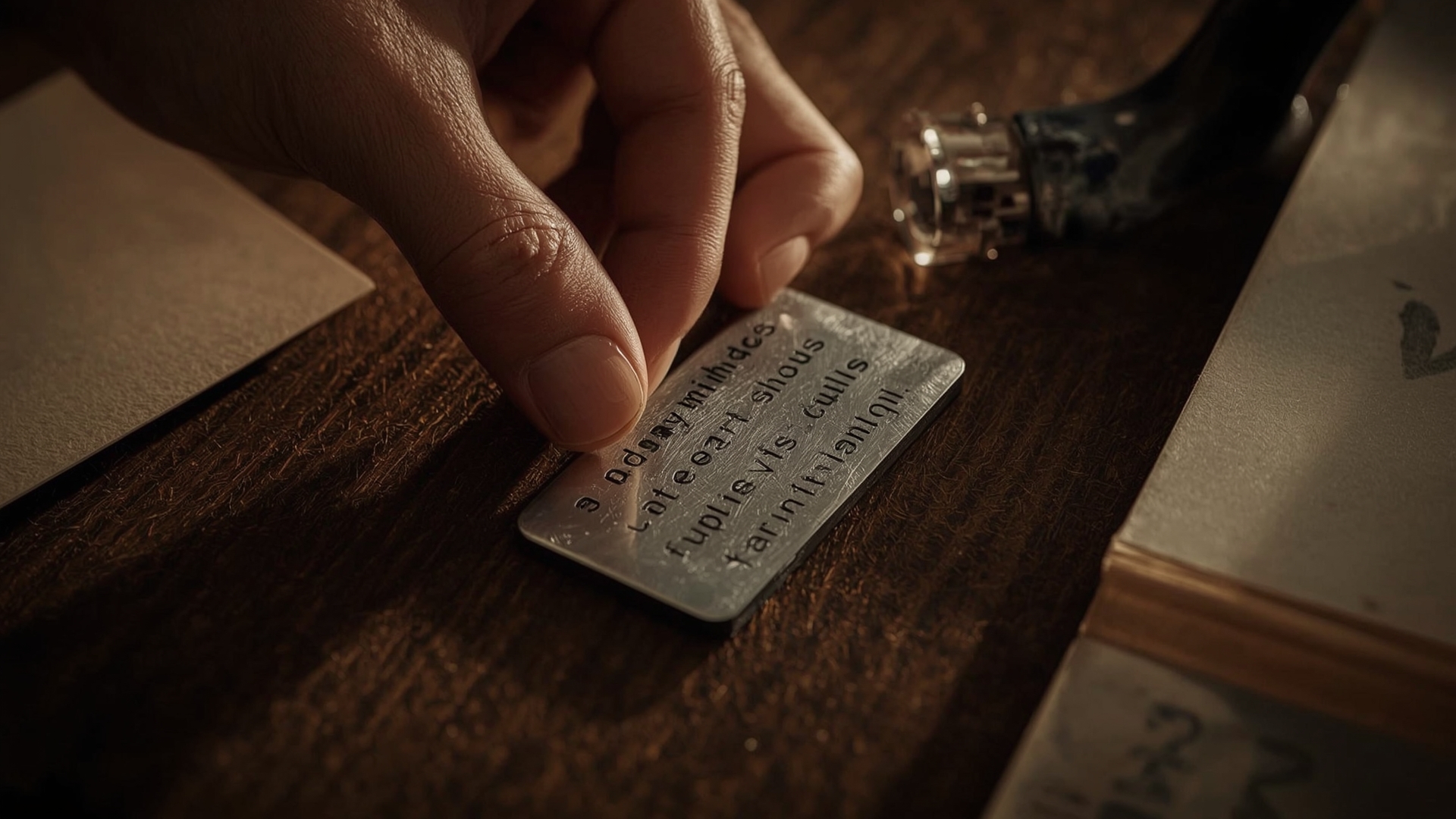
Quick Answer: A seed phrase is 12 or 24 words that back up your entire wallet. Anyone who finds it can access your crypto. Store it offline, in multiple locations, and never in a photo, note app, or email.
When you set up any non-custodial wallet, it generates a seed phrase. Write it down exactly as shown, in the correct order. This phrase can restore your wallet on any compatible device if your original device is lost, stolen, or damaged.
The seed phrase follows the BIP-39 standard (Bitcoin Improvement Proposal 39), a widely adopted industry protocol. This means a seed phrase from a Ledger wallet can restore your funds on a Trezor, MetaMask, or any BIP-39-compatible wallet. You are not locked into one brand.
Where Should You Store Your Seed Phrase?
Paper works for getting started, but it degrades. A house fire, flood, or spilled coffee can destroy it. Many users upgrade to metal seed phrase storage — engraved or stamped metal plates that survive physical disasters.
| Storage Method | Fire Resistance | Water Resistance | Corrosion Resistance | Cost Range |
|---|---|---|---|---|
| Paper (handwritten) | None | None | Low | $0 |
| Laminated paper | None | Moderate | Low | $1–$5 |
| Steel plate (stamped) | Up to 1,400°F (760°C) | Full | High | $30–$80 |
| Titanium plate (engraved) | Up to 3,000°F (1,650°C) | Full | Very High | $80–$150 |
| Fireproof safe (paper inside) | Up to 1,200°F (649°C) | Limited | Moderate | $50–$300 |
What Should You Never Do With Your Seed Phrase?
- Never type it into any website or app — legitimate wallets never ask for your seed phrase online
- Never store it in a notes app, email draft, cloud storage, or text message
- Never photograph it with your phone
- Never share it with anyone, including “support agents” — no legitimate service needs it
- Never store it on a computer or any internet-connected device
How Do You Move Crypto From an Exchange to a Self-Custody Wallet?

Quick Answer: Set up your self-custody wallet, copy your wallet address, go to your exchange’s withdrawal section, paste the address, choose the correct network, enter the amount, and confirm. Always send a small test transaction first before moving large amounts.
Step 1: Set Up Your Self-Custody Wallet
Download a reputable non-custodial wallet or purchase a hardware wallet from the manufacturer’s official website — never buy hardware wallets from third-party sellers on Amazon or eBay, as they can be tampered with.
Follow the setup process, write down your seed phrase offline, and verify your wallet address. Your wallet is now ready to receive crypto.
Step 2: Find Your Receiving Address
Every wallet has a receiving address for each blockchain network. A Bitcoin address looks different from an Ethereum address. Make sure you copy the correct address for the asset you’re moving.
Triple-check the address before proceeding. Some malware replaces copied addresses with the attacker’s address. Paste it, then verify the first 4–6 characters and last 4–6 characters match what you intended to copy.
Step 3: Initiate the Withdrawal on Your Exchange
Go to your exchange’s withdrawal or send section. Select the asset, paste your wallet address, and choose the correct network. This step is critical: if you send Bitcoin (BTC) to a Bitcoin address but select the “BEP-20” network instead of the Bitcoin mainnet, your funds may be lost or require a complex recovery process.
Match the network on the exchange to the network your wallet expects. When in doubt, check the wallet’s documentation.
Step 4: Send a Test Transaction First
Before moving your full balance, send a small test amount — $5 to $20 worth. Wait for it to confirm on the blockchain. Then verify it arrived in your self-custody wallet. This tiny step has saved people from sending thousands of dollars to a wrong address.
Step 5: Confirm and Wait for Blockchain Confirmation
Once your test transaction is confirmed, proceed with the full amount. Confirmation times vary by network: Bitcoin typically takes 10–60 minutes for 3–6 confirmations. Ethereum usually confirms within 15 seconds to a few minutes. Solana confirms in under a second.
What Are the Real Risks of Self-Custody?

Quick Answer: With self-custody, you are the only safeguard. If you lose your seed phrase with no backup, your crypto is gone forever. There’s no customer support, no password reset, and no insurance. The risks are real and permanent.
Self-custody is powerful, but it shifts all responsibility onto you. These are the most common ways people lose self-custodied crypto:
- Lost seed phrase: No backup means permanent loss. This is the most common cause of lost crypto.
- Phishing attacks: Fake wallet websites or support accounts trick users into entering their seed phrase on a malicious site.
- Sending to the wrong address: Crypto transactions are irreversible. A wrong address means permanent loss.
- Wrong network selection: Sending an asset over the wrong blockchain network can result in funds that are difficult or impossible to recover.
- Buying a compromised hardware wallet: Used or third-party-sold hardware wallets may have pre-loaded malware or a known seed phrase.
- Physical theft: If someone finds your seed phrase, they can drain your wallet from anywhere in the world.
| Risk Type | Likelihood | Severity | Mitigation |
|---|---|---|---|
| Lost seed phrase | High (for new users) | Total loss | Multiple offline backups in secure locations |
| Phishing attack | Medium | Total loss | Never enter seed phrase online; verify URLs |
| Wrong address | Medium | Total loss | Test transactions; manual address verification |
| Wrong network | Medium | High (difficult recovery) | Confirm network match before sending |
| Compromised hardware wallet | Low (if bought from manufacturer) | Total loss | Buy only from official manufacturer websites |
| Physical theft of seed phrase | Low | Total loss | Secure storage, consider splitting backup locations |
Should You Use Self-Custody for All Your Crypto?
Quick Answer: Not necessarily. Most users benefit from a split approach: keep small, frequently traded amounts on an exchange for convenience, and move long-term holdings to a self-custody cold wallet for security.
Think of it like cash versus a bank account. You keep a small amount of cash in your wallet for daily use. You don’t carry your entire net worth in your pocket. The same logic applies to crypto.
A Practical Split-Custody Framework
- Exchange (custodial): Active trading funds, amounts you plan to move within the next 30 days, and small positions not worth the transfer fees
- Hot wallet (non-custodial software): DeFi interactions, NFT activity, moderate amounts you need quick access to
- Cold wallet (hardware): Long-term holdings, significant positions you don’t plan to touch for months or years
There’s no fixed rule on what percentage goes where. A common approach is to keep no more than 10–20% of total holdings on exchanges at any given time, with the rest in cold storage.
What Are the Most Common Self-Custody Mistakes to Avoid?
Quick Answer: The biggest mistakes are storing your seed phrase digitally, buying hardware wallets from third-party sellers, skipping test transactions, and using the same wallet address for everything. Each of these can result in permanent loss.
Mistake 1: Storing Your Seed Phrase on Your Phone or Computer
Any device connected to the internet is a potential attack surface. Screenshots, note apps, and cloud backups are all accessible by malware or through compromised accounts. Your seed phrase belongs on paper or metal, offline, in a secure location.
Mistake 2: Only Having One Backup
If your single backup burns in a house fire, you lose everything. Store your seed phrase in at least two physically separate locations. Some users keep one copy at home in a fireproof safe and a second copy at a trusted family member’s home or in a safety deposit box.
Mistake 3: Ignoring the Test Transaction Step
Skipping a test transaction to save on network fees is a false economy. The cost of a test transaction is always less than the cost of discovering your address was wrong after sending your full balance.
Mistake 4: Reusing the Same Address for Everything
Bitcoin, in particular, has address reuse privacy implications. Each time you use the same address, it makes your transaction history easier to trace. Many wallets automatically generate new receiving addresses for each transaction. Use that feature.
Mistake 5: Not Verifying Your Seed Phrase Restore Process
Before you store large amounts in a new wallet, test the restore process. Use a second device, enter your seed phrase, and confirm the same wallet address appears. This verifies your backup works before you need it in an emergency.
How Does Self-Custody Fit Into Broader Crypto Security?
Quick Answer: Self-custody is one layer of crypto security, not the entire strategy. It protects against exchange risk, but you still need strong device security, phishing awareness, and a plan for what happens to your crypto if you die or become incapacitated.
Security is a system, not a single action. Moving to self-custody removes exchange risk but introduces personal responsibility risk. A complete approach includes:
- Hardware wallet for significant holdings
- Seed phrase stored in multiple secure offline locations
- Dedicated device for crypto activity where possible (avoids cross-contamination from general web browsing)
- Phishing awareness: bookmark official wallet sites, never click links in emails or DMs
- Inheritance planning: trusted people in your life should know how to access your crypto if something happens to you, without having constant access to it now
Frequently Asked Questions
Can I self-custody any type of cryptocurrency?
Most major cryptocurrencies — Bitcoin, Ethereum, Solana, and hundreds of ERC-20 tokens — support self-custody. You need a wallet compatible with the specific blockchain network. Hardware wallets like Ledger and Trezor support thousands of assets. Some newer or niche tokens may have limited wallet support.
What happens if I lose my hardware wallet device?
Losing the physical device is not a disaster if you have your seed phrase. You can buy a new compatible wallet, enter your seed phrase during setup, and fully restore your funds. The device itself holds no funds — the blockchain does. Your seed phrase is the real key.
Is self-custody legal?
Yes, in most countries. Holding your own crypto in a self-custody wallet is legal and widely practiced. Some countries have specific reporting requirements for crypto holdings regardless of where they’re stored, so tax obligations still apply. Check your local regulations for specifics.
What is a passphrase and should I use one?
A passphrase (sometimes called the 25th word) is an extra word or phrase you add to your seed phrase for additional security. It creates an entirely separate wallet from your standard seed phrase, so even if someone finds your 24 words, they can’t access funds protected by the passphrase. It’s an advanced feature that adds complexity — only use it if you fully understand how it works and have a plan to never forget it.
How do I know a self-custody wallet app is legitimate?
Download wallet apps only from the official developer’s website or verified app store listings linked from that website. Fake wallet apps in app stores are a common scam. Check the developer name, read reviews carefully, and look for the app mentioned on the project’s official social channels. MetaMask, Trust Wallet, and Exodus all have well-established reputations and verifiable download sources.
Does self-custody protect me from all crypto risks?
Self-custody eliminates exchange counterparty risk — the risk that a platform fails, freezes, or steals your funds. It does not protect you from buying bad projects, market downturns, smart contract exploits in DeFi, or your own mistakes like losing a seed phrase. It’s one important layer of protection, not a complete security solution.