Your crypto wallet device can be lost, broken, or wiped — and your funds can still be 100% recoverable. The reason? Your wallet is not stored on the device. It lives in your seed phrase. As long as you have those 12 or 24 words, you can restore access to your entire wallet on any compatible device or app.
This guide walks you through exactly how seed phrase recovery works, how to use it across hardware and software wallets, and how to verify that your recovery actually works before you trust it with large amounts.
Key Takeaways
- Your seed phrase is your wallet. The device is just an interface. Lose the device, keep the seed phrase, and your funds are safe.
- Recovery works across wallets. A seed phrase generated on one wallet can restore your funds on a different brand or app, as long as both follow the BIP-39 standard.
- Never type your seed phrase into a website or app you don’t fully trust. This is the most common way people lose funds during recovery.
- Test your backup before you need it. A dry run with an empty wallet proves your written backup is correct and readable.
- Word order matters exactly. One word out of place means a completely different wallet — not yours.
- A passphrase adds a hidden layer. If you used a 25th-word passphrase when setting up, you must enter it again during recovery or you’ll access a different wallet.
What Does Recovering a Crypto Wallet with a Seed Phrase Actually Mean?
Quick Answer: Recovering a wallet means using your 12 or 24-word seed phrase to regenerate your private keys on a new device or app. The seed phrase is a master key. It recreates every address and balance you had before, instantly.
Think of a seed phrase like the master password to a safe. The safe itself (your device) can be replaced. The combination (your seed phrase) is what actually opens it.
When you set up a crypto wallet, the software runs a mathematical process that generates a random seed. That seed gets converted into your 12 or 24 words. Those words, in that exact order, can regenerate your private keys on any wallet that follows the BIP-39 standard. BIP-39 is the widely adopted technical specification that defines how seed phrases are created and converted into private keys.
Your on-chain funds aren’t stored in the wallet. They live on the blockchain. The wallet just holds the keys that prove you own them. Recover the keys, and you recover access to everything those keys control.
What Are the Most Common Reasons People Need to Recover Their Wallet?
Quick Answer: The most common recovery triggers are a lost or stolen device, a factory reset or firmware wipe, a broken hardware wallet, a deleted software wallet app, or switching to a different wallet brand entirely.
Device-Level Scenarios
- Hardware wallet lost or stolen: The device is gone, but your seed phrase backup is all you need.
- Hardware wallet PIN forgotten: Most hardware wallets wipe after a set number of wrong PIN attempts. Recovery uses the seed phrase, not the PIN.
- Firmware update caused a reset: Some firmware updates on hardware wallets wipe the device. Recovery restores your wallet immediately after.
- Device physically broken: Water damage, cracked screen, or a dead battery doesn’t affect your ability to recover if your seed phrase backup is intact.
Software-Level Scenarios
- Deleted the wallet app: Reinstalling the app and importing your seed phrase brings everything back.
- Switching phones or computers: Install the wallet app on the new device and import your seed phrase.
- Switching wallet brands: Moving from MetaMask to Trust Wallet, or from Ledger to Trezor, works as long as both use BIP-39.
- Corrupted wallet file: Desktop wallets sometimes store an encrypted file. If that file corrupts, the seed phrase is the only recovery option.
How Does a Seed Phrase Technically Regenerate Your Wallet?
Quick Answer: Your seed phrase encodes a 128 to 256-bit number called an entropy value. That number feeds into a derivation algorithm (BIP-32/BIP-44) to generate every private key in your wallet deterministically. Same phrase always produces the same keys.
The process works like this. Your 12 or 24 words come from a fixed list of 2,048 possible words. Each word represents a number. Together, the words encode a binary number that becomes the root of your entire key tree.
From that root, the wallet software derives child keys using a path structure. Each derived key controls a specific address. Bitcoin, Ethereum, and most other coins each use their own derivation path — but the same seed phrase generates them all.
This is why one seed phrase can control wallets across dozens of blockchains. It is also why protecting that seed phrase matters so much. Anyone who has it controls everything derived from it.
Seed Phrase Technical Reference
| Attribute | 12-Word Phrase | 24-Word Phrase |
|---|---|---|
| Entropy Bits | 128 bits | 256 bits |
| Word Count | 12 words | 24 words |
| Checksum Bits | 4 bits | 8 bits |
| Total Combinations | ~2^128 (~3.4 × 10^38) | ~2^256 (~1.2 × 10^77) |
| Used By | MetaMask, Trust Wallet, most mobile wallets | Ledger, Trezor, Coldcard |
| Standard | BIP-39 | BIP-39 |
How Do You Recover a Wallet on a Hardware Device Like Ledger or Trezor?
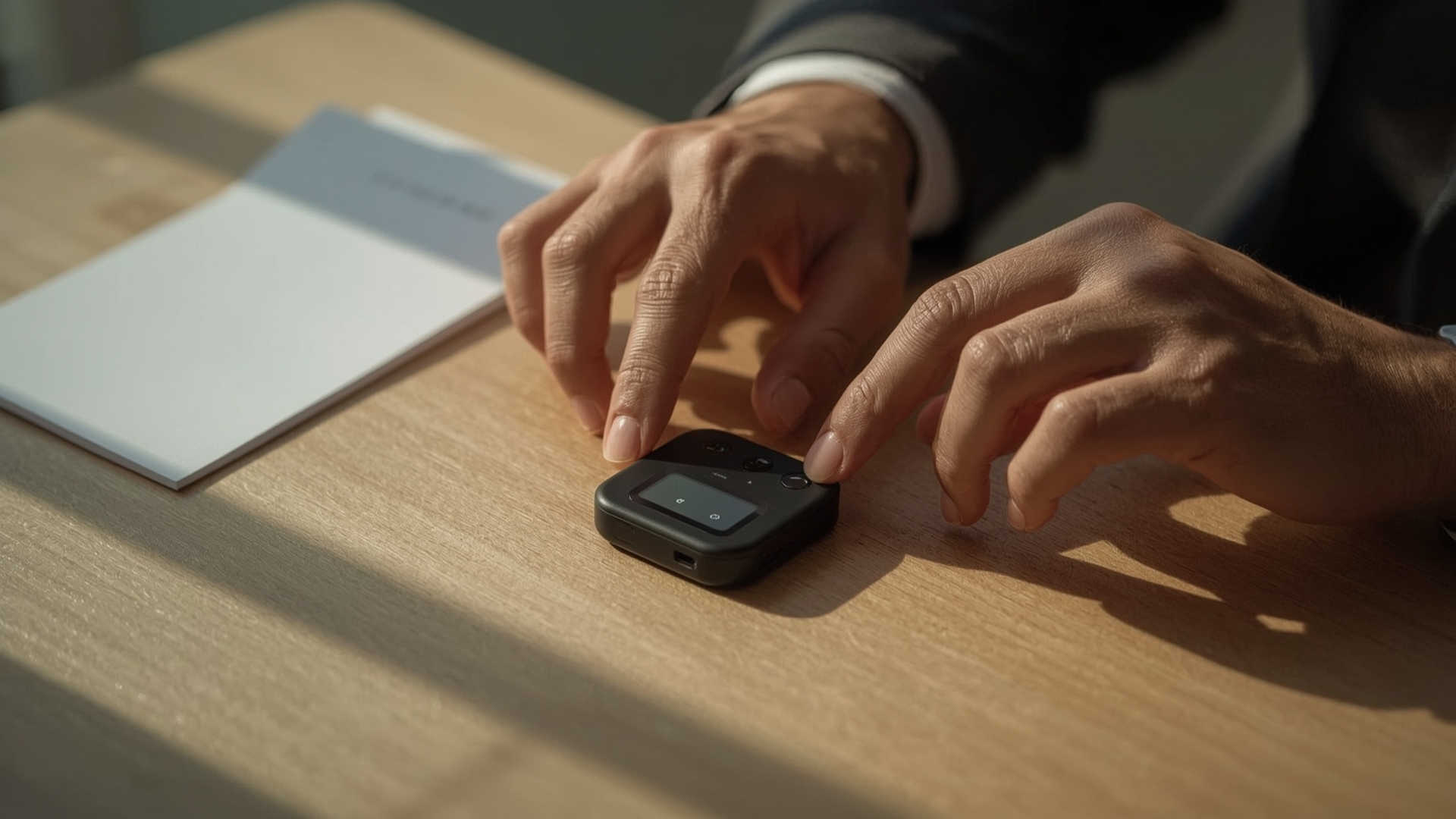
Quick Answer: On Ledger and Trezor, select “Restore from recovery phrase” during setup, then enter your words in exact order using the device’s buttons or touchscreen. The device re-derives your keys locally. Your seed phrase never leaves the device.
Step-by-Step: Recovering on a Ledger Device
- Start fresh: On a new Ledger device, press both buttons to start setup. Select “Restore from recovery phrase.”
- Choose word count: Select 12 or 24 words, depending on your original backup.
- Enter each word: Use the device’s buttons to scroll through letters and select each word. The device auto-suggests from the BIP-39 word list as you type.
- Confirm word order: The device asks you to verify several words are in the right positions.
- Set a new PIN: Choose a new PIN for the device. This does not affect your seed phrase or your funds.
- Open Ledger Live: Connect to your computer and open the Ledger Live app. Add your coin accounts to see your balances.
Step-by-Step: Recovering on a Trezor Device
- Connect and open Trezor Suite: Plug in your Trezor and open the Trezor Suite app on your computer.
- Select “Recover wallet”: Choose this option from the setup screen.
- Choose input method: Trezor offers standard recovery (entering words in order) and advanced recovery (entering words in scrambled order to prevent screen-capture attacks).
- Enter your words: Type each word using the Trezor Suite interface, which sends scrambled keystrokes to prevent keylogger capture.
- Set PIN and label: Finish setup with a new PIN and an optional device name.
- Check balances: Open the app’s dashboard to confirm your accounts have loaded correctly.
Hardware Wallet Recovery Comparison
| Wallet | Word Entry Method | Companion App | Input Location | Supports 12-Word | Supports 24-Word |
|---|---|---|---|---|---|
| Ledger Nano X | On-device buttons | Ledger Live | Device only | Yes | Yes |
| Trezor Model T | Touchscreen on device | Trezor Suite | Device only | Yes | Yes |
| Trezor Safe 3 | On-device buttons | Trezor Suite | Device only | Yes | Yes |
| Coldcard Mk4 | Numeric keypad (word index) | Sparrow Wallet | Device only | Yes | Yes |
| Foundation Passport | QWERTY keypad on device | Envoy App | Device only | Yes | Yes |
How Do You Recover a Wallet Using a Software App Like MetaMask or Trust Wallet?
Quick Answer: In MetaMask or Trust Wallet, select “Import using seed phrase” on the setup screen, then type your words in order with single spaces between them. Your wallet reloads with all previous addresses and balances within seconds.
Step-by-Step: Recovering on MetaMask (Browser Extension)
- Install MetaMask: Download from the official browser extension store (Chrome, Firefox, or Brave).
- Click “Import an existing wallet”: On the welcome screen, do not start a new wallet.
- Enter your seed phrase: Type each word in order, separated by spaces, into the recovery phrase field.
- Set a new password: This password encrypts your wallet on this device. It is not the same as your seed phrase.
- Check your accounts: MetaMask will load your primary Ethereum address. If you had multiple accounts, you may need to add them manually — they are all still derived from the same seed phrase.
Step-by-Step: Recovering on Trust Wallet (Mobile)
- Install Trust Wallet: Download from the official App Store or Google Play listing.
- Tap “I already have a wallet”: Then select “Multi-Coin Wallet” or the relevant option for your setup.
- Enter your seed phrase: Type each word into its own numbered input field.
- Confirm and access: Trust Wallet loads your wallet and scans balances for supported coins automatically.
Software Wallet Recovery Reference
| Wallet | Platform | Recovery Trigger | Word Entry Format | Auto-Detects Balances |
|---|---|---|---|---|
| MetaMask | Browser extension, mobile | “Import an existing wallet” | Single text field, space-separated | Ethereum only (others manual) |
| Trust Wallet | iOS, Android | “I already have a wallet” | Individual word fields | Yes, multi-chain |
| Exodus | Desktop, mobile | “Restore from backup phrase” | Single text field | Yes, multi-chain |
| Electrum | Desktop | “I already have a seed” | Single text field | Bitcoin only |
| BlueWallet | iOS, Android | “Import wallet” | Single text field | Bitcoin only |
What Should You Do If You Can’t Find Your Seed Phrase Backup?
Quick Answer: Check every secure location you used when setting up the wallet: fireproof safes, safety deposit boxes, envelopes with important documents, and metal backup plates. If you still have the original device and know the PIN, your funds are still accessible — don’t wipe it.
If your original device is still functional and you know the PIN, stop. Do not wipe the device. You still have access to your funds. You can send everything to a new wallet with a fresh backup before that device fails or gets lost.
If you used a password manager to store the phrase, check for old exports or backup copies of the manager’s vault. Some people also store seed phrases encrypted in cloud storage — check old backups or version histories.
If none of these work, and the device is also gone, recovery without the seed phrase is not practically possible. The math behind BIP-39 means there is no known shortcut. Professional “wallet recovery” services that claim otherwise are almost always scams targeting desperate users.
What if I Only Remember Some of My Words?
If you have most of your words but not all, recovery may still be possible. A 24-word phrase with one missing word has only 2,048 possibilities for the missing word. Open-source tools like Ian Coleman’s BIP-39 tool (used offline on an air-gapped computer) can brute-force missing words in minutes if you know the correct positions.
Never use an online service to attempt this. Run any recovery tool on a computer that has never been connected to the internet, then wipe the computer after. The risk of exposing a near-complete seed phrase is too high otherwise.
How Do You Verify That Your Seed Phrase Backup Works Before You Need It?
Quick Answer: The safest test is a dry run: set up the wallet, send a small amount of funds, then restore from your seed phrase backup on a second device or a wiped device. If the balance appears, your backup is confirmed correct.
This step is one of the most overlooked parts of wallet security. Many people write down their seed phrase, assume it’s correct, and never test it. Then the device breaks and they discover a transcription error too late.
How to Run a Dry Run Recovery Test
- Set up your wallet as normal and write down the seed phrase carefully.
- Send a small test amount — something like $10 worth of a coin — to the wallet address.
- Use a second device (or reset a spare device) and import your seed phrase into the same wallet software.
- Check the address and balance. If the same address appears and the balance matches, your backup is accurate.
- Confirm word-by-word. After a successful restore, compare your written backup against the on-screen words one more time.
For hardware wallets, most devices offer a “Check recovery phrase” feature in the settings menu. This verifies your backup without resetting the device. Use it every 6 to 12 months, or any time you move your backup to a new storage location.
What Mistakes Do People Make During Wallet Recovery That Cost Them Their Funds?

Quick Answer: The most costly mistakes are entering seed phrases into fake recovery websites, ignoring word order, forgetting a passphrase, or recovering into the wrong wallet type (like importing a Bitcoin-only phrase into an Ethereum-only app).
The Most Dangerous Mistake: Phishing Sites
Search engines sometimes surface fake wallet recovery pages. These sites look identical to the real wallet apps. They ask for your seed phrase “to verify your wallet.” Once entered, the site captures your phrase and drains your funds within minutes.
Always go directly to wallet URLs by typing them manually or using a bookmarked link. Never search for “MetaMask recovery” or “Ledger restore” and click the first result.
Other Common Recovery Errors
- Wrong word order: Seed phrases are order-sensitive. Word 3 and word 14 are not interchangeable. One transposition error produces a completely different wallet.
- Forgotten passphrase: A passphrase (sometimes called the 25th word) creates a separate wallet on top of your base seed phrase. If you used one and don’t enter it during recovery, you see an empty wallet — not an error message. Many users panic thinking funds are gone.
- Wrong derivation path: Some wallets use non-standard derivation paths. If you move from a wallet with a custom path to a standard one, your addresses won’t match. Check documentation for your original wallet before switching.
- Misread handwriting: Words like “army” and “arny” or “beach” and “peach” look similar in rushed handwriting. Always print clearly or use a metal backup plate.
- Partial backup: Some users accidentally back up only the first 12 words of a 24-word phrase. The wallet software will reject the incomplete entry.
Does a Seed Phrase Work Across Different Wallet Brands?
Quick Answer: Yes, with one condition. Both wallets must use the BIP-39 standard and the same derivation path. Most major wallets are compatible. Exceptions include some older wallets and wallets with proprietary standards, like early versions of Electrum.
If you generated your seed phrase on a Ledger and want to restore it on a Trezor, you can. Both use BIP-39 with the same standard derivation paths for Bitcoin and Ethereum. Your addresses will match exactly.
The compatibility breaks down in two edge cases. First, if your original wallet used a non-standard derivation path, the addresses in a different wallet app will be different — even though the seed phrase is the same. Second, Electrum’s older seed phrases use a different algorithm than BIP-39. They only work inside Electrum.
Cross-Wallet Compatibility Table
| Source Wallet | BIP-39 Standard | Recoverable On | Known Exceptions |
|---|---|---|---|
| Ledger | Yes | Trezor, Trust Wallet, MetaMask, Exodus | None for standard paths |
| Trezor | Yes | Ledger, Trust Wallet, MetaMask, Exodus | None for standard paths |
| MetaMask | Yes | Trust Wallet, Exodus, Ledger, Trezor | ETH derivation path may differ on some hardware wallets |
| Trust Wallet | Yes | Ledger, Trezor, MetaMask, Exodus | None for standard paths |
| Electrum (legacy) | No (proprietary) | Electrum only | Pre-2016 Electrum seeds not BIP-39 compatible |
| Coldcard | Yes | Any BIP-39 wallet (Bitcoin paths) | None for standard paths |
How Should You Store Your Seed Phrase to Make Future Recovery Easy and Safe?
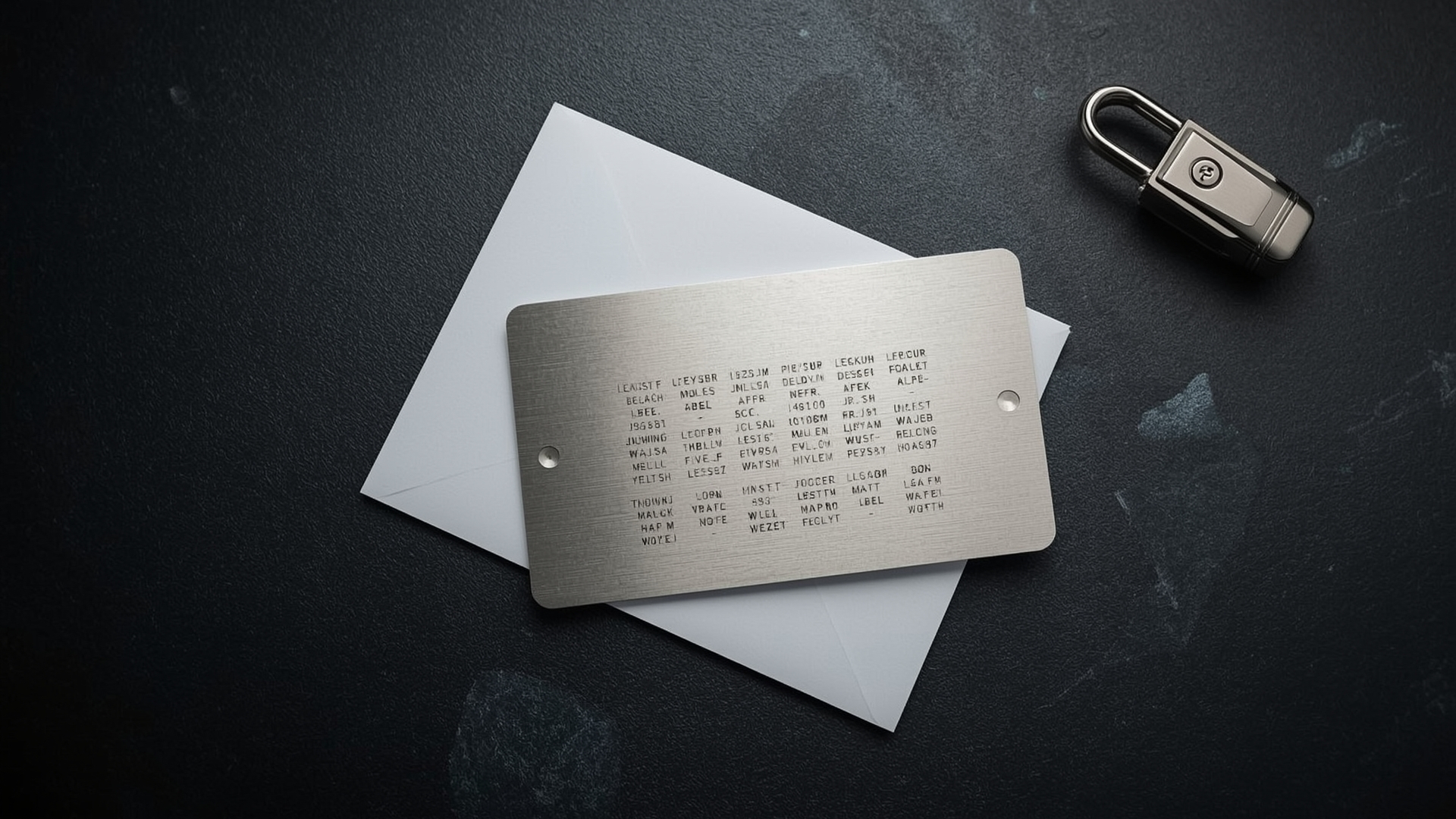
Quick Answer: Store your seed phrase on physical paper or a metal backup plate, in at least two separate secure locations. Never store it digitally in plain text, in cloud storage, in a notes app, or in a screenshot.
The best backup is one you can actually read years from now without depending on any technology. A metal seed phrase backup plate survives fire, flooding, and physical damage in ways paper cannot.
Storage Method Comparison
| Storage Method | Fire Resistant | Water Resistant | Tamper Evident | Longevity | Risk |
|---|---|---|---|---|---|
| Paper (plain) | No | No | No | 5-10 years | Degradation, fire |
| Fireproof paper | Partial | No | No | 10-20 years | Flooding, theft |
| Metal backup plate | Yes (up to ~1400°C) | Yes | Optional | 50+ years | Theft if not secured |
| Bank safety deposit box | Yes | Yes | Yes (access logs) | Indefinite | Access during bank closures |
| Encrypted digital file | N/A | N/A | Depends | Medium | Hacking, password loss |
| Cloud storage (plain text) | N/A | N/A | No | N/A | Extremely high — avoid |
Two physical copies in two separate locations is the minimum standard. If one location is destroyed or compromised, the second ensures you can still recover. Many serious holders use a 2-of-3 multisig setup or a Shamir Secret Sharing scheme to split recovery responsibility without any single point of failure.
Frequently Asked Questions
Can someone steal my crypto if they find my seed phrase?
Yes, immediately and completely. A seed phrase gives full access to every wallet and every coin derived from it. There is no transaction to reverse and no customer support to call. Store your seed phrase like you would store physical cash worth the same amount.
What happens if I enter my seed phrase wrong during recovery?
The wallet software will either show an error or load a different, empty wallet. If BIP-39 checksum validation fails, most wallets reject the entry outright. If you entered a valid but incorrect phrase, you’ll see an empty wallet. Your original wallet is untouched on the blockchain.
Does recovering my wallet on a new device cancel the old device?
No. A seed phrase can be used on multiple devices simultaneously. Restoring on a new device doesn’t deactivate the original. Both devices access the same addresses and balances. This is one reason to only restore your phrase on devices you trust and control.
Do I need internet access to recover my wallet?
The actual key generation happens offline inside the device or app. You only need internet access to see your balances, because the wallet has to query the blockchain. On hardware wallets, you can complete the recovery process fully offline and connect later.
What is wallet derivation path and why does it matter for recovery?
A derivation path is the address hierarchy formula a wallet uses to generate specific addresses from your seed phrase. The most common standard paths are m/44’/0’/0′ for Bitcoin and m/44’/60’/0′ for Ethereum. If your target wallet uses a different path, it generates different addresses from the same seed phrase, which can make your balance appear to be zero.
What should I do immediately after successfully recovering my wallet?
First, confirm your balance matches what you expected. Then review and improve your seed phrase storage — if you needed to recover, something in your setup was vulnerable. Consider moving to a hardware wallet if you haven’t already, and test your backup again after making any changes.