Most crypto losses don’t come from market crashes. They come from avoidable security mistakes — a phishing link clicked on a Tuesday morning, a password reused from an old account, or funds left on an exchange that shut down overnight. The technology protecting your crypto is only as strong as the habits behind it.
This guide covers every major threat to a crypto portfolio and gives you concrete steps to defend against each one. Whether you hold Bitcoin on Coinbase or run a multi-chain DeFi setup, the same core principles apply.
Key Takeaways
- Hardware wallets are the gold standard for long-term storage — they keep your private keys offline and away from internet threats.
- Two-factor authentication should use an authenticator app, not SMS — SIM swapping makes SMS 2FA unreliable.
- Exchange risk is real — only keep funds on exchanges that you actively need for trading.
- Phishing attacks target crypto holders specifically — bookmark your exchange URLs and never click links from emails or DMs.
- Your seed phrase is your master key — store it offline, never digitally, and never share it with anyone.
- A layered security approach combines strong authentication, cold storage, and smart custody habits to reduce single points of failure.
What Are the Biggest Security Threats to a Crypto Portfolio?
Quick Answer: The top threats are exchange hacks, phishing attacks, SIM swapping, malware, and poor seed phrase storage. Most losses are preventable. Understanding each threat helps you choose the right defenses for your specific setup.
Crypto security threats fall into a few clear categories. Knowing which category a threat belongs to tells you exactly how to defend against it.
Exchange and Custodial Risk
When you hold crypto on an exchange like Coinbase, Binance, or Kraken, you don’t actually own the private keys. The exchange does. This is called custodial storage — the exchange holds your funds on your behalf. If the exchange gets hacked, freezes withdrawals, or becomes insolvent, your funds are at risk.
FTX’s collapse in 2022 erased billions in customer funds overnight. That’s not a hypothetical — it happened. Even regulated, reputable exchanges carry this baseline risk.
Phishing and Social Engineering
Phishing means tricking you into giving up your credentials or seed phrase. Attackers create fake websites that look identical to Coinbase, MetaMask, or Ledger. They send emails warning you of “suspicious activity” with a link to log in. The link is fake. Your password goes straight to them.
Social engineering is broader — it includes fake support agents in Discord, fake airdrop DMs on Twitter/X, and even phone calls impersonating exchange staff. No legitimate exchange will ever ask for your seed phrase.
SIM Swapping
SIM swapping is when an attacker convinces your mobile carrier to transfer your phone number to their SIM card. Once they control your number, they can intercept SMS codes used for two-factor authentication (2FA). This gives them access to any account using SMS-based 2FA — including your exchange accounts.
Malware and Clipboard Hijacking
Clipboard hijacking malware silently replaces crypto wallet addresses you copy-paste. You copy your Bitcoin address, but the malware swaps it with the attacker’s address before you paste. You send funds to a hacker without realizing it. Always verify the full wallet address after pasting, especially on large transfers.
Physical Threats
Physical security matters too. A stolen hardware wallet, a seed phrase written on paper left in an obvious place, or someone watching you enter a PIN — these are real attack vectors for anyone publicly associated with crypto holdings.
How Should You Use Two-Factor Authentication for Crypto Accounts?
Quick Answer: Use an authenticator app like Google Authenticator or Authy instead of SMS codes. Authenticator apps generate time-based codes on your device. They can’t be intercepted by SIM swapping. Enable 2FA on every exchange and wallet app you use.
Not all 2FA is equal. Here’s how the options stack up:
| 2FA Method | Security Level | SIM Swap Vulnerable | Phishing Resistant | Best For |
|---|---|---|---|---|
| SMS Text Code | Low | Yes | No | Last resort only |
| Authenticator App (TOTP) | Medium-High | No | Partial | Most exchange accounts |
| Hardware Security Key (FIDO2) | Very High | No | Yes | High-value accounts |
| Email Code | Low-Medium | No | No | Avoid if possible |
TOTP stands for Time-based One-Time Password. It’s the standard behind apps like Google Authenticator and Authy. A new 6-digit code generates every 30 seconds. The code is tied to your device, not your phone number.
A hardware security key like a YubiKey takes this further. It’s a physical USB or NFC device that must be present during login. Phishing sites can’t replicate it because the key verifies the actual domain you’re logging into.
How to Back Up Your Authenticator App
Losing your phone without a backup of your authenticator codes can lock you out of your accounts permanently. Use Authy instead of Google Authenticator if you want encrypted cloud backups of your TOTP codes. Store backup codes (provided when you enable 2FA) in a secure offline location like a fireproof safe.
What Is the Safest Way to Store Crypto Long-Term?
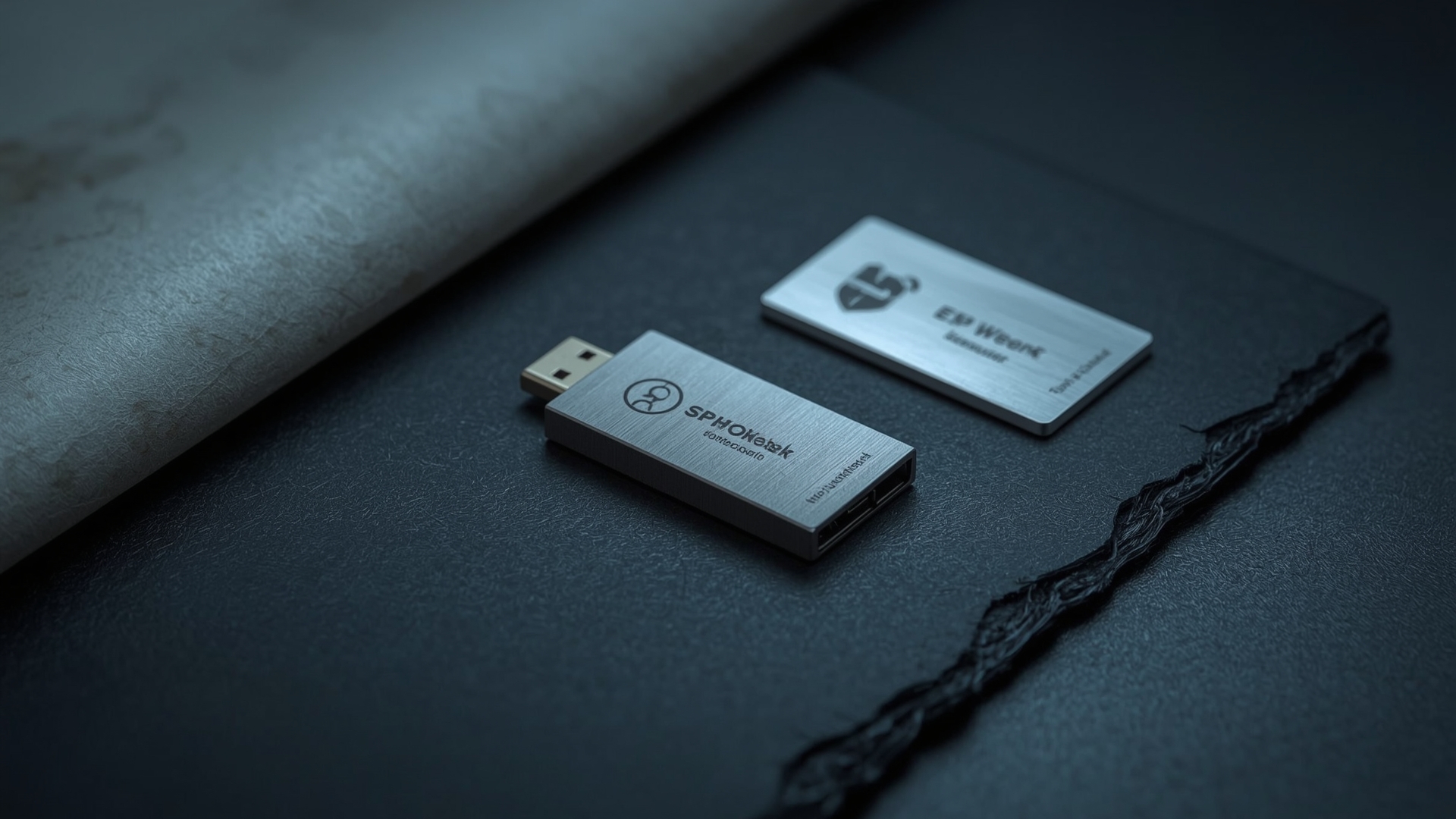
Quick Answer: A hardware wallet stored offline is the safest long-term crypto storage option. Devices like Ledger and Trezor keep your private keys isolated from the internet. Even if your computer is compromised, your funds stay protected because transactions must be approved on the physical device.
Hardware Wallet Basics
A hardware wallet is a physical device — roughly the size of a USB drive — that stores your private keys offline. Private keys are the cryptographic passwords that prove you own your crypto. When you send a transaction, it gets signed inside the device and never exposes your key to your computer or the internet.
| Hardware Wallet | Price Range | Supported Assets | Screen Type | Passphrase Support |
|---|---|---|---|---|
| Ledger Nano X | $149 | 5,500+ | OLED | Yes (BIP-39) |
| Ledger Nano S Plus | $79 | 5,500+ | OLED | Yes (BIP-39) |
| Trezor Model T | $179 | 1,800+ | Touchscreen | Yes (BIP-39) |
| Trezor Safe 3 | $79 | 1,800+ | Physical buttons | Yes (BIP-39) |
| Coldcard Mk4 | $150 | Bitcoin only | OLED | Yes (BIP-39) |
Hot Wallet vs. Cold Wallet: The Core Tradeoff
A hot wallet is connected to the internet — think MetaMask, Trust Wallet, or your exchange account. It’s convenient for daily use but more vulnerable to attack. A cold wallet (hardware wallet) stays offline. It’s less convenient but far more secure for funds you don’t need to access frequently.
The general rule: use a hot wallet for amounts you’d carry in a regular wallet, use cold storage for amounts you’d put in a bank or safe.
Seed Phrase Security
Every hardware wallet generates a seed phrase — a list of 12 or 24 common English words — when you first set it up. This phrase is a complete backup of your wallet. Anyone with your seed phrase has full access to your funds, regardless of whether they have the physical device.
- Never photograph your seed phrase
- Never type it into any website, app, or digital document
- Never store it in cloud storage like Google Drive or iCloud
- Write it on paper and store it in at least two physically separate locations
- Consider engraving it on a metal plate for fire and water resistance
How Much Crypto Should You Keep on an Exchange?
Quick Answer: Keep only what you need for active trading on exchanges. A common guideline is no more than 5-10% of your total portfolio on any single exchange at one time. The rest belongs in self-custody storage, ideally a hardware wallet.
This isn’t about distrusting every exchange. It’s about recognizing that even the most reputable platforms face risks beyond your control: regulatory seizures, insolvency, or technical hacks. You can’t control what happens to an exchange. You can control how much you leave there.
How to Evaluate Exchange Safety
Before leaving funds on any platform, check these attributes:
| Exchange Attribute | What to Look For | Why It Matters |
|---|---|---|
| Proof of Reserves | Published Merkle tree audits | Confirms exchange holds 1:1 customer assets |
| Cold Storage Ratio | 95%+ of assets in cold storage | Limits exposure in a hot wallet hack |
| Insurance Fund | FDIC coverage (USD) or SAFU fund | Partial protection against losses |
| Regulatory Status | Licensed in your jurisdiction | Legal recourse if something goes wrong |
| Withdrawal Limits | No unreasonable daily limits | Ensures you can exit when needed |
How Do You Defend Against Crypto Phishing Attacks?
Quick Answer: Bookmark every crypto website you use and only access them through those bookmarks. Never click links in emails, Discord, or Twitter/X DMs. Verify URLs character by character. Legitimate platforms never ask for your seed phrase under any circumstances.
Common Phishing Scenarios to Watch For
Fake MetaMask popups: Malicious websites trigger fake MetaMask (a popular browser-based Ethereum wallet) approval windows. They ask you to “connect your wallet” and then request permissions to drain funds. Always check exactly what you’re approving before signing.
Airdrop scams: You receive a DM or email saying you’ve qualified for a free token airdrop. To claim it, you must connect your wallet to a website. That website drains your wallet instead. Legitimate airdrops don’t require you to connect your wallet to an unknown site.
Impersonation support: Fake customer support accounts on Discord and Telegram proactively message users who post about problems. They direct you to a “verification portal” that steals your credentials. Real support never DMs you first.
Browser and Device Hygiene
Use a dedicated browser for crypto activity — separate from everyday browsing. Install a reputable ad blocker like uBlock Origin to reduce exposure to malicious ads. Keep your operating system and browser updated, since security patches close vulnerabilities attackers exploit.
Consider using a separate device entirely for large crypto transactions. A phone or laptop used only for crypto and nothing else dramatically shrinks your attack surface.
What Is a Layered Security Strategy for Crypto?

Quick Answer: A layered security strategy stacks multiple protections so no single failure exposes your full portfolio. It combines strong authentication, cold storage for most holdings, phishing awareness, and tiered custody based on how often you access different amounts.
The Three-Tier Custody Model
Think of your crypto portfolio like a financial system with three layers, each with different security and accessibility tradeoffs:
- Tier 1 — Spending layer: Small amounts in a hot wallet (MetaMask, Trust Wallet) for DeFi, NFTs, and daily use. Treat this like cash in your physical wallet. Only hold what you’d be comfortable losing.
- Tier 2 — Exchange layer: Medium amounts on a reputable regulated exchange for active trading. Use strong passwords, authenticator-based 2FA, and withdrawal address whitelisting.
- Tier 3 — Cold storage layer: The majority of holdings on a hardware wallet, accessed rarely and stored with a securely backed-up seed phrase. This is your savings account.
Withdrawal Address Whitelisting
Most major exchanges offer address whitelisting. This means you pre-approve a list of wallet addresses as valid withdrawal destinations. Even if someone gains access to your account, they can’t withdraw funds to an address not on your list. Enable this feature and treat it as mandatory for any exchange account holding significant value.
Account and Password Security
Use a unique, randomly generated password for every crypto account. A password manager like Bitwarden or 1Password handles this without requiring you to remember dozens of strings. Never reuse passwords — one breached account should never cascade into others.
| Security Layer | Tool/Practice | Threat Addressed | Difficulty to Implement |
|---|---|---|---|
| Password Management | Bitwarden, 1Password | Credential reuse attacks | Low |
| Authenticator 2FA | Authy, Google Authenticator | SIM swapping, password breaches | Low |
| Hardware Security Key | YubiKey 5 series | Phishing, account takeover | Medium |
| Hardware Wallet | Ledger, Trezor, Coldcard | Exchange hacks, malware | Medium |
| Address Whitelisting | Exchange settings | Unauthorized withdrawals | Low |
| Dedicated Crypto Device | Separate laptop or phone | Malware, clipboard hijacking | High |
How Do You Protect Crypto From Physical Theft and Disaster?
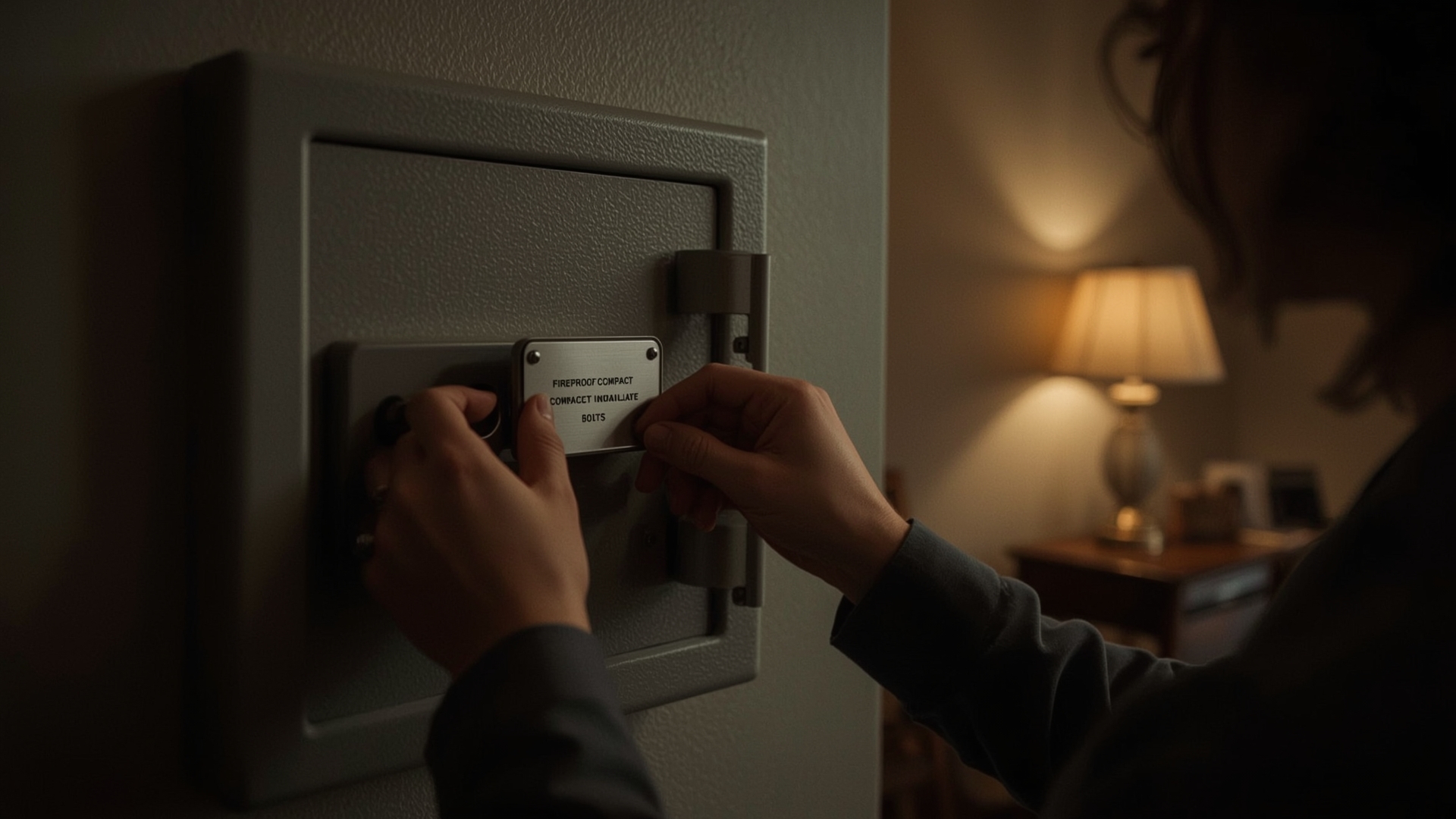
Quick Answer: Store seed phrase backups in two geographically separate locations — a fireproof safe at home and a bank safety deposit box, for example. Use metal seed phrase storage for disaster resistance. Don’t publicly discuss your holdings or display hardware wallets.
Operational Security (OPSEC) for Crypto Holders
Operational security — often shortened to OPSEC — means not creating information that makes you a target. Sharing your portfolio value publicly, posting photos of your hardware wallet, or bragging about gains on social media can attract physical threats and targeted attacks.
The crypto community has a term for this: “rubber hose cryptography.” It refers to the idea that no amount of encryption protects you if an attacker can physically threaten you into revealing your seed phrase. The best defense is not advertising what you hold.
Geographic Separation for Seed Phrase Backups
A single seed phrase backup at home creates a single point of failure. A house fire or flood destroys it. Store a second copy at a physically separate location — a trusted family member’s home, a bank safety deposit box, or a fireproof facility. Two locations significantly reduce the risk of total loss.
What Should Long-Term Crypto Holders Do Differently?
Quick Answer: Long-term holders should prioritize cold storage over convenience, establish a seed phrase recovery plan for heirs, regularly audit which apps and platforms have access to their wallets, and review their security setup at least once per year as threats evolve.
Revoking Smart Contract Approvals
When you interact with DeFi protocols, you often grant those protocols permission to spend tokens from your wallet. These permissions don’t expire automatically. If a protocol gets hacked months after you used it, an attacker can drain your wallet using the old approval. Use a tool like Revoke.cash or your wallet’s built-in approval manager to review and revoke permissions you no longer need.
Annual Security Audits
Once a year, go through this checklist:
- Review all active 2FA accounts and remove old ones
- Check exchange withdrawal whitelist addresses are still correct
- Verify seed phrase backups are intact and readable
- Revoke unused DeFi smart contract approvals
- Update passwords for any account that hasn’t changed in 12+ months
- Confirm your hardware wallet firmware is up to date
Crypto Inheritance Planning
If something happens to you, can your family access your crypto? This is one of the most overlooked aspects of long-term portfolio security. Without a clear plan, self-custody funds can be permanently inaccessible. Consider creating a secure document that explains what wallets you have, where backups are stored, and how to access them — kept with your legal documents and shared only with trusted individuals.
Frequently Asked Questions
Can a hardware wallet be hacked remotely?
No. A hardware wallet stores private keys offline, so remote attackers can’t reach them. The only way to compromise one remotely is if you manually approve a malicious transaction on the device itself. Always read what the screen on your device is asking you to sign before confirming.
What happens if I lose my hardware wallet?
Losing the physical device doesn’t mean losing your crypto. Your seed phrase is the actual backup. Use it to restore your wallet on a new device. This is why protecting your seed phrase matters far more than protecting the hardware wallet itself.
Is it safe to use a crypto exchange for long-term holding?
It carries meaningful risk. Exchanges can freeze withdrawals, face insolvency, or get hacked. For amounts you plan to hold for years, a hardware wallet gives you direct control. Exchanges work better as a short-term trading layer, not a long-term vault.
What is a smart contract approval, and why is it dangerous?
A smart contract approval gives a DeFi protocol permission to move tokens from your wallet. If that protocol is later exploited, attackers can use your old approval to drain your funds. Regularly review and revoke unused approvals using a tool like Revoke.cash.
Should I use the same password for all my crypto accounts?
Never. Password reuse is one of the most common causes of account takeover. Use a unique randomly generated password for each account. A password manager like Bitwarden makes this practical without needing to memorize anything.
What is withdrawal address whitelisting?
Whitelisting lets you pre-approve specific wallet addresses as valid withdrawal destinations on an exchange. Even if your account is compromised, funds can only be sent to addresses on your approved list. Most major exchanges offer this feature in account security settings.